Get started
5 Ways to Securely Communicate with Doctolib Connect
Secure and compliant communication tools are critical in healthcare. With Doctolib Connect Messenger, you can get in touch with colleagues both within and outside the organisation to discuss patients and coordinate care, all while adhering to data protection guidelines. Here are five quick guides to help you get off to a smooth and easy start with Doctolib Connect.
Verify your account
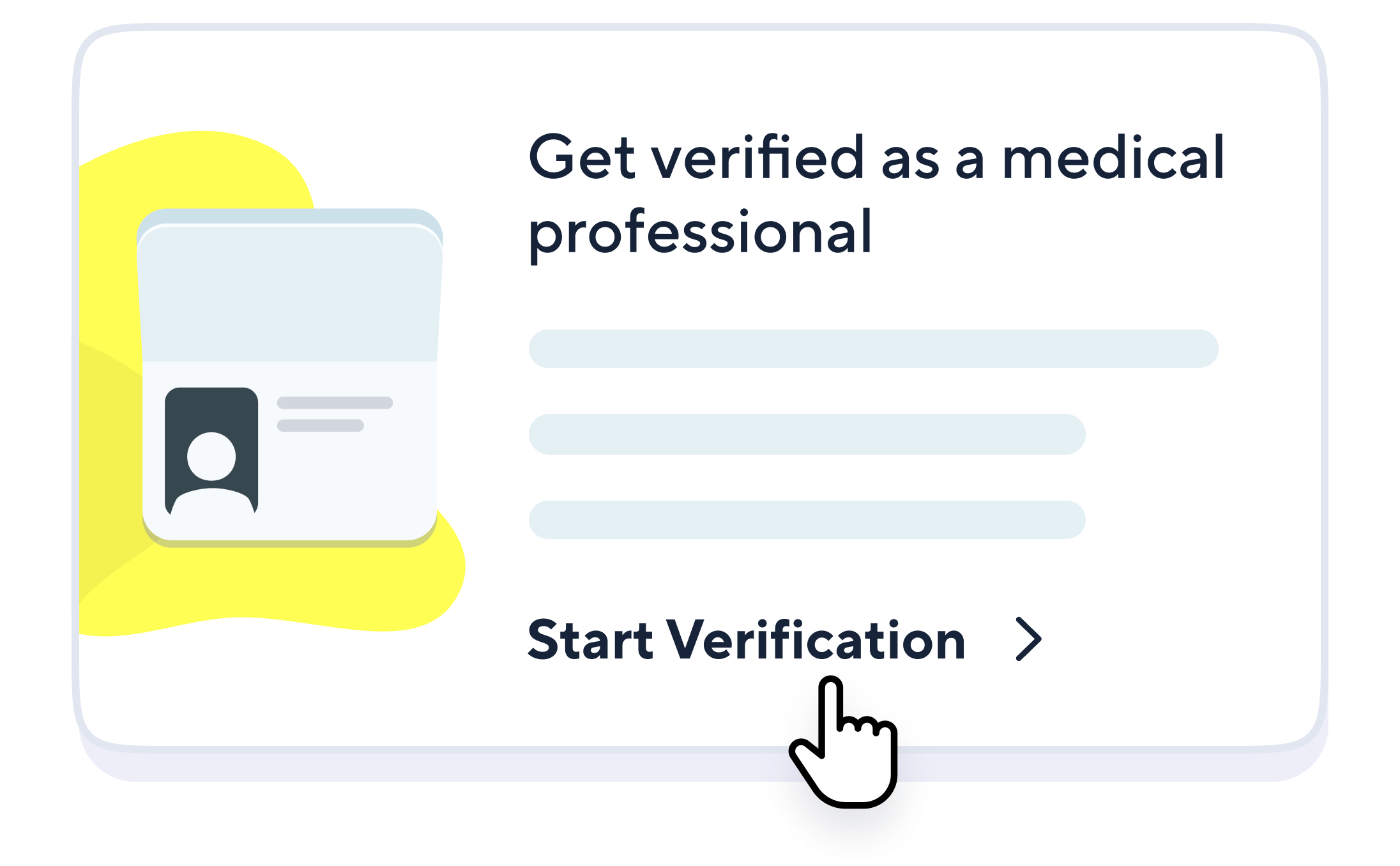
Doctolib Connect is a trusted network for healthcare professionals. When discussing patient care, you want to be absolutely sure that the person you’re talking to is really who they say they are. Doctolib Connect users with a blue shield badge on their profiles have been verified according to their medical registration number or professional credentials. To start the process, head to your Doctolib Connect profile and tap on the card you see here.
Start a private chat
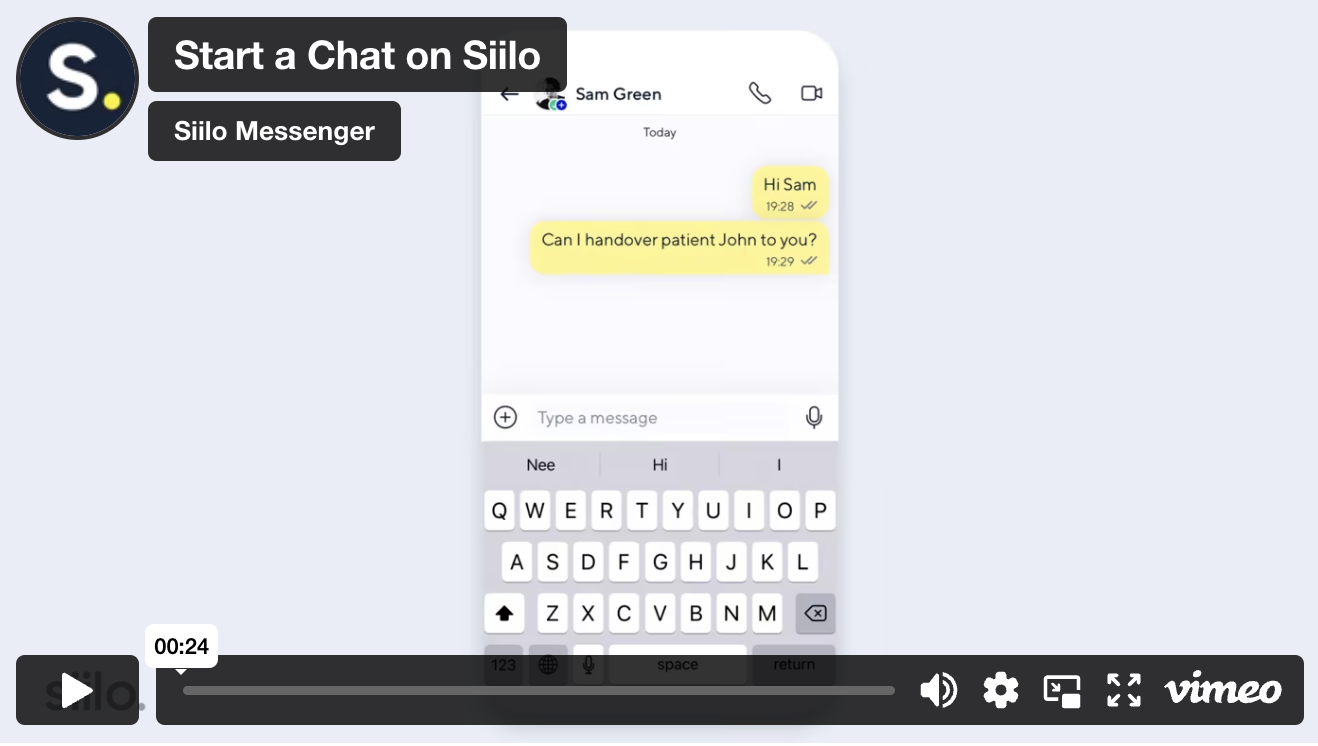
Connecting with a colleague can be difficult if you don’t have their phone number, work hours, or even their name. Doctolib Connect Messenger makes it easy to contact a colleague without needing personal information. You can search for names, phrases, organisations, locations, professions, and more.
Start a group chat
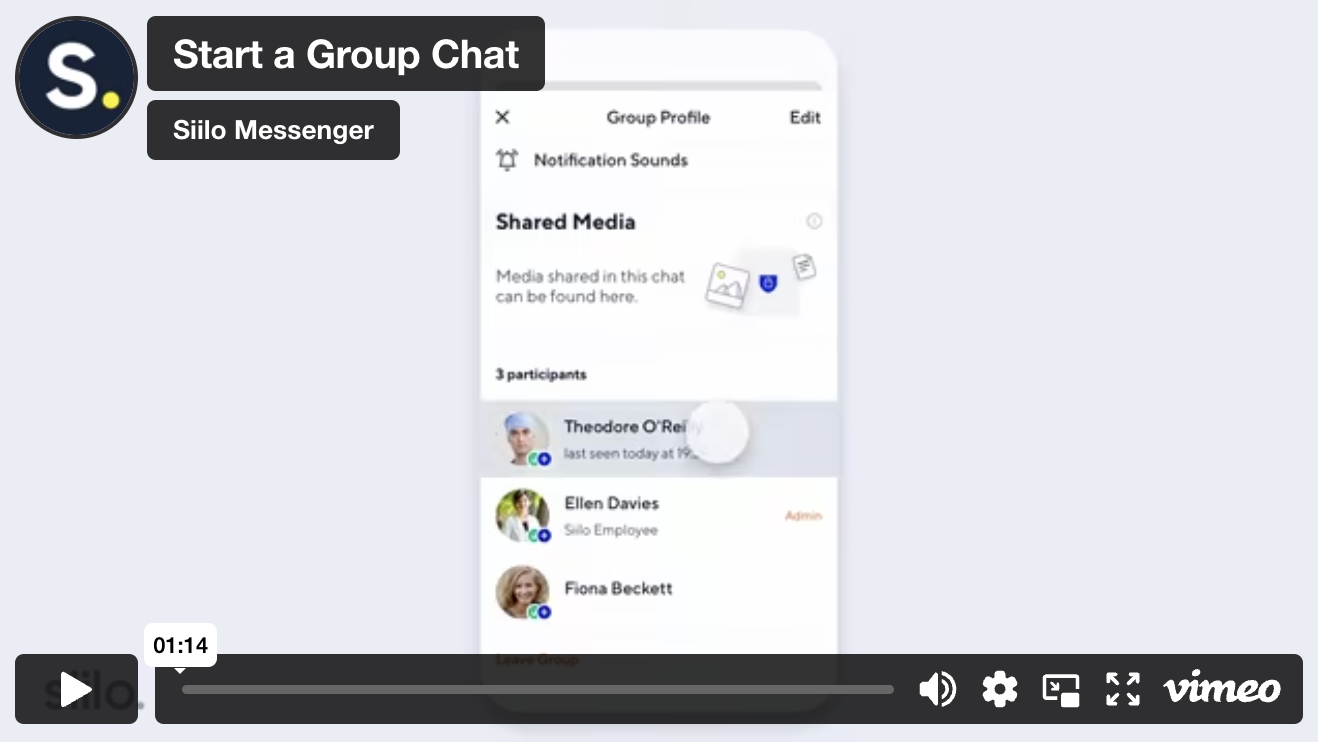
Collecting the right people to discuss a patient’s needs should be as easy as stepping into the break room for a quick conversation. Creating a group chat on Doctolib Connect allows you to bring together colleagues to discuss specific topics, arrange shifts, manage handovers, post patient cases, and more.
Manage your chats
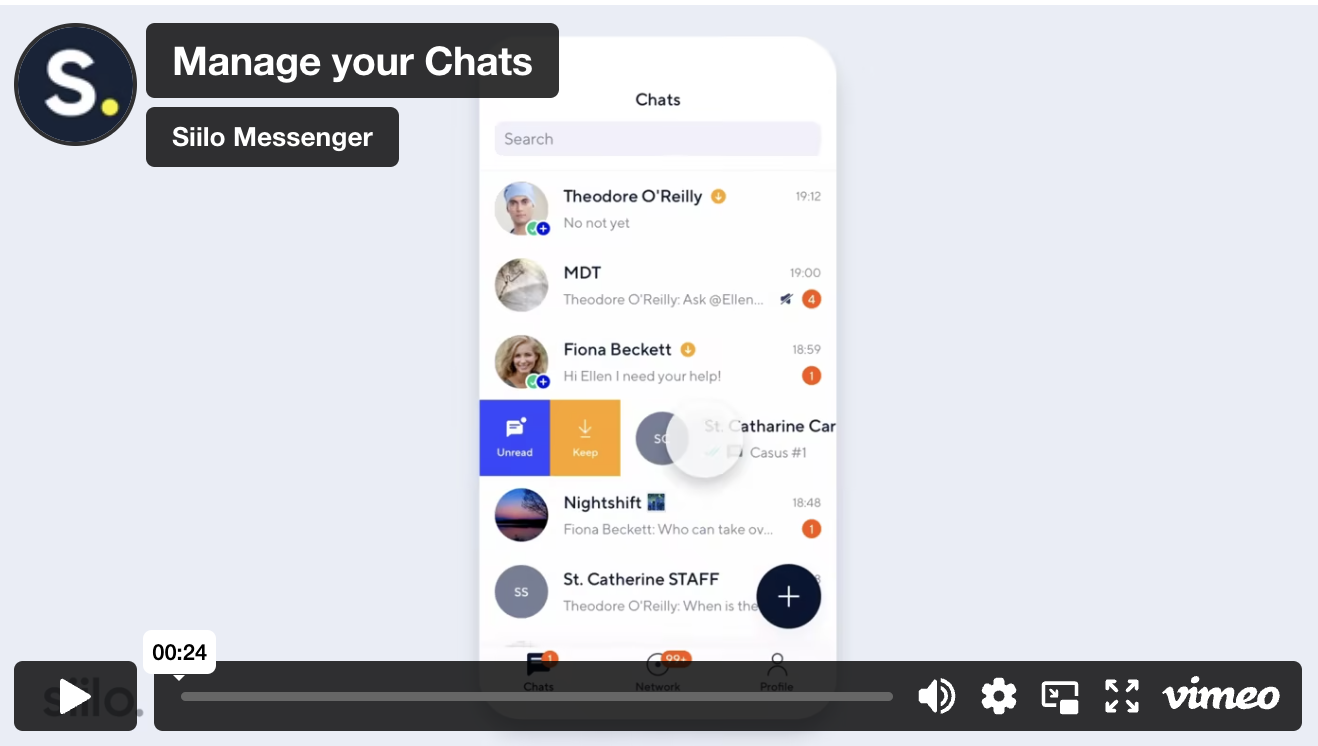
A neatly organised Chats tab goes a long way in keeping track of your conversations. To ensure you get the right alerts and messages when you need them, Doctolib Connect allows you to manage your chats by muting interruptive threads, preserving conversations from automatic deletion, and marking chats to come back to later. Simply swipe right or left with iOS or long press on Android to see your options.
Upload media to a chat
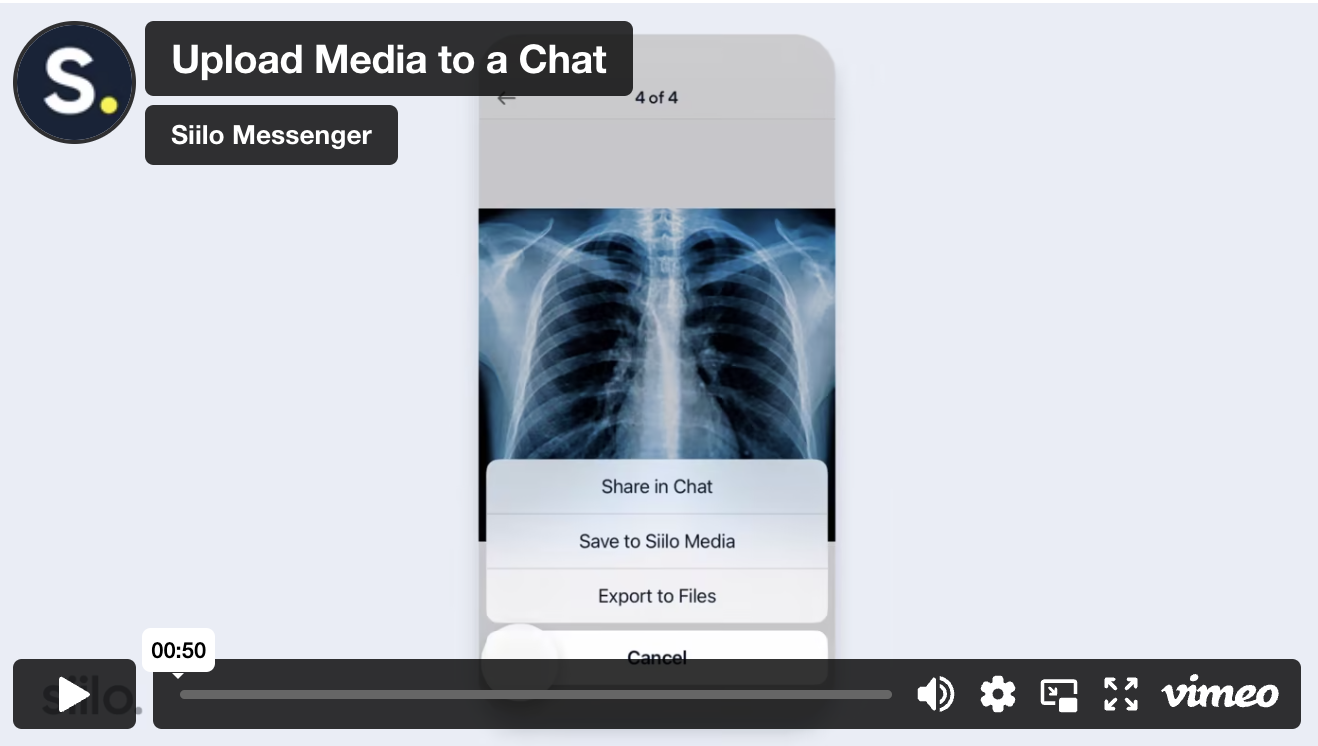
Easily share images, videos, and files in one-on-one chats and group conversations. Edit your photos to protect patient anonymity and point out important details with in-app tools.
Call a colleague
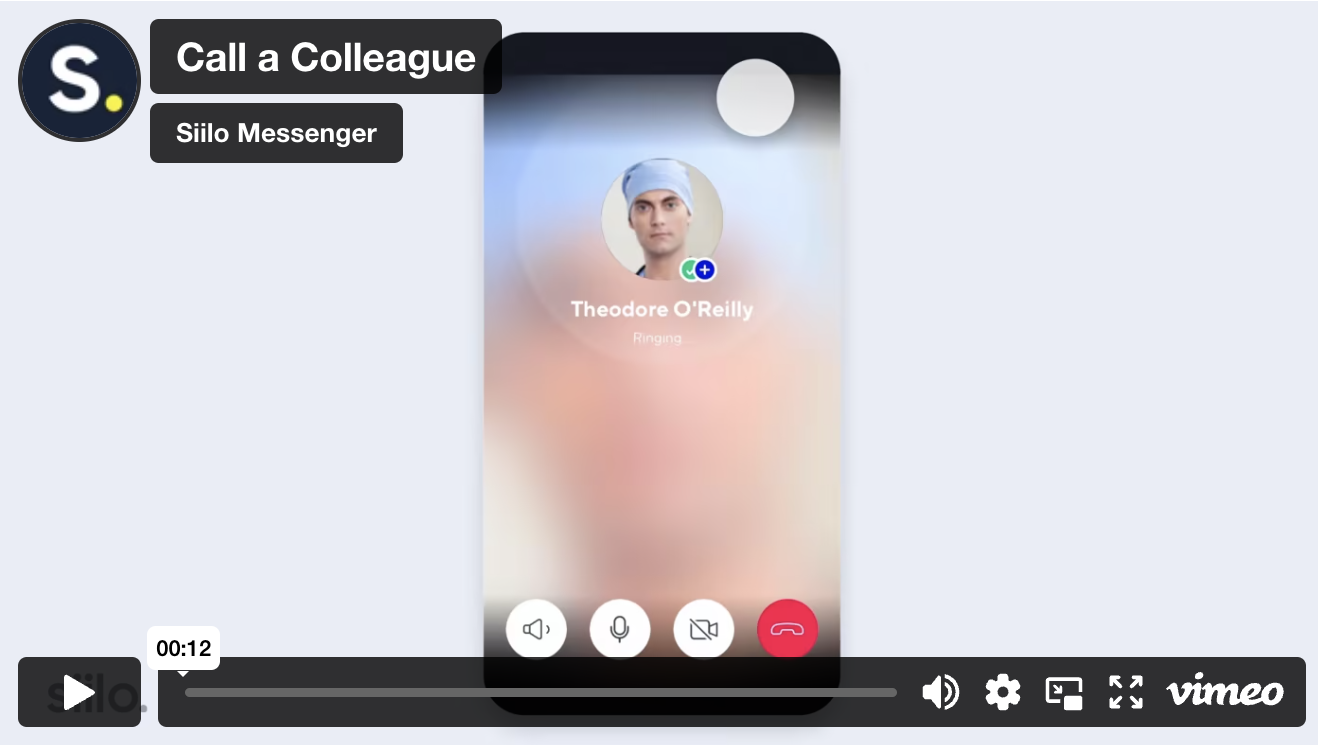
When texting is inconvenient or the discussion is urgent, connect instantly over a secure line with one-on-one voice calling or video conferencing.